





Related news


Digital Scarf Printing Artwork Guide: DPI, RGB, File Format & Bleed
A scarf design can look sharp on screen yet lose detail, shift color, or develop an uneven border after printing and hemming. Successful digital scarf printing starts with artwork prepared for the finished textile, including its dimensions, surface, and edge construction.
For designers and sourcing teams, the most useful digital scarf printing artwork requirements cover five decisions: final size, image resolution, color workflow, file format, and finishing allowance. Confirm these with your printer before exporting artwork, then use a fabric sample to approve the result.
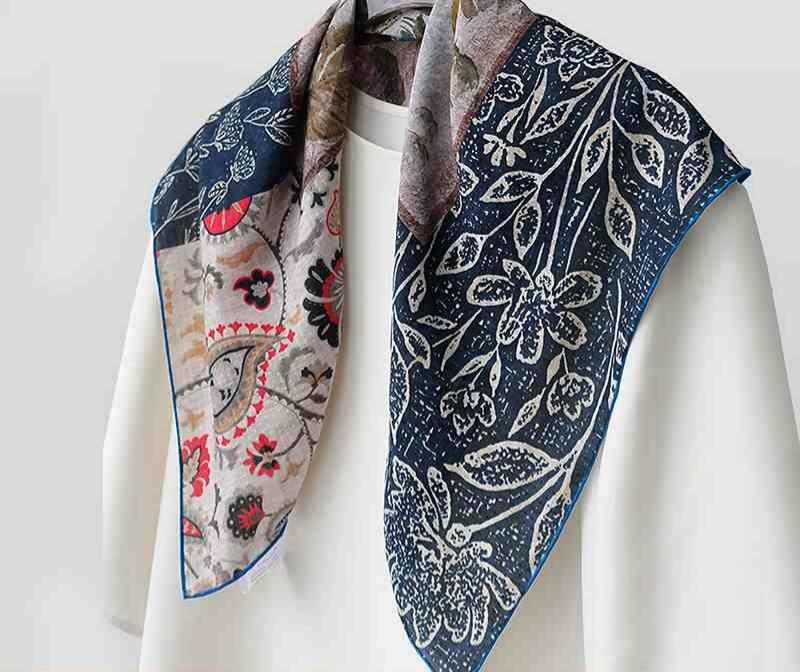
Set Your Silk Scarf Artwork Size Before Designing
Finished dimensions versus production dimensions
Your silk scarf artwork size needs to distinguish the finished scarf from the production canvas. A finished 90 × 90 cm scarf does not automatically require a 90 × 90 cm print file: hemming, cutting, and processing may affect the dimensions your supplier requests.
Ask for a template identifying the finished edge, cutting line, hem allowance, and bleed. Confirm whether the quoted size is measured before or after hemming, and who accounts for fabric shrinkage.
This is the starting point for how to prepare artwork for silk scarf printing. Designing around an assumed canvas can leave a decorative border too close to the hem or make a centered composition appear off balance.
Position borders, logos, and directional motifs
Keep important details inside the supplier’s safe area. A background can continue to the edge, but a logo, signature, or small caption should remain visible after finishing.
For framed designs, measure the visible border from the finished edge rather than the outside of the file. Include an orientation note for directional artwork, especially when the scarf will be folded to display a particular logo or illustration.
Choose Silk Scarf Printing DPI at Final Size
Calculate pixels from the actual print dimensions.
The answer to what resolution for silk scarf printing depends on image detail, scarf dimensions, fabric, and the printer’s workflow. Around 150–300 pixels per inch at final size is a useful preparation range, subject to supplier approval.
Although commonly called silk scarf printing DPI, artwork resolution is technically PPI; DPI describes printer output.
Use this calculation:
Required pixels = print dimension in centimetres ÷ 2.54 × PPI
A 90 cm-wide image needs approximately 5,315 pixels at 150 PPI or 10,630 pixels at 300 PPI, before additional production allowances. Changing the resolution label without adding genuine image detail will not improve a small original.
Match resolution to the design
Watercolor textures and broad abstract shapes may work at lower resolutions than fine lettering or detailed photography. Keep typography and geometric motifs as vectors where possible, while checking raster elements at their intended print size.
For anyone researching how to print a photo on a silk scarf, start with the original camera file. Avoid screenshots and compressed social-media downloads. Inspect faces, hair, gradients, and shadow detail, then request a sample if the image must be enlarged substantially.
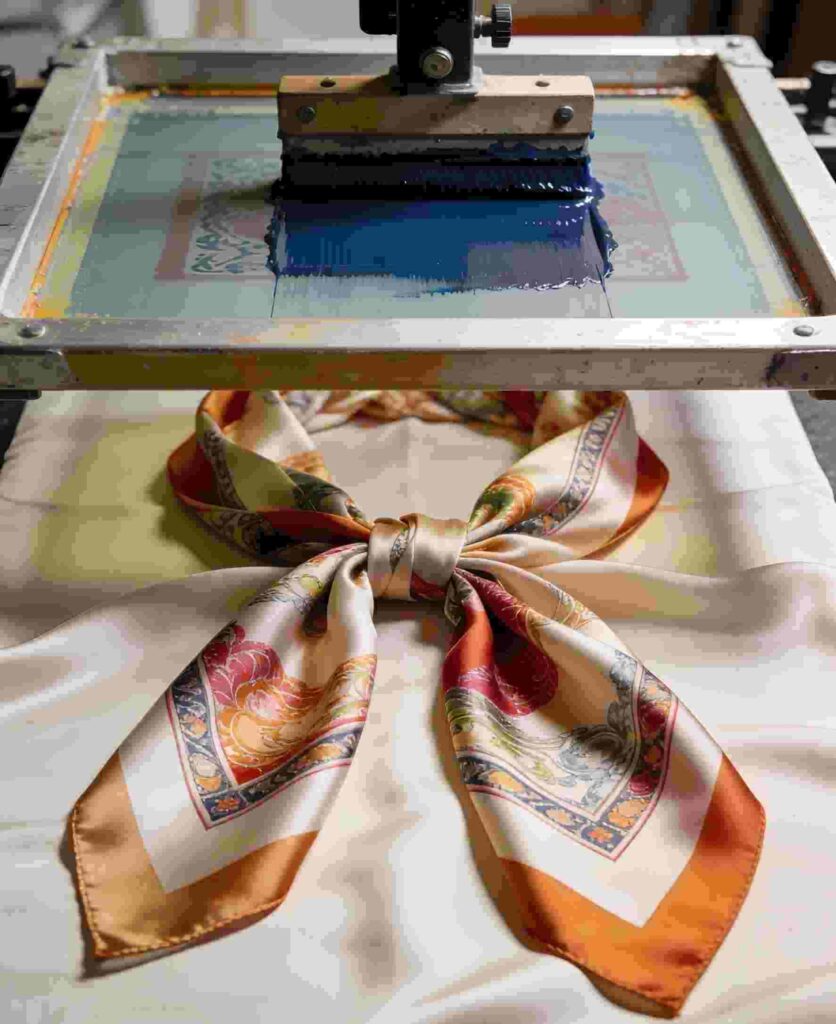
Decide RGB or CMYK for Silk Printing With Your Supplier
Preserve a clear color workflow.
There is no universal answer to RGB or CMYK for silk printing. Some textile printers request RGB files and manage conversion through their printing software; others specify a different workflow.
Ask which color mode and embedded profile they accept. Preserve your editable master and export a production copy according to those instructions. Do not assign an unfamiliar profile simply because it sounds appropriate for printing.
Repeated conversions can change saturated colors. An untagged file can also introduce ambiguity because the receiving software may interpret its color values differently.
Approve color on the intended fabric.
A screen emits light; silk reflects it. Fabric construction, surface sheen, ink, and finishing all influence the printed appearance.
Provide physical color references when particular brand shades matter, but treat them as targets for discussion rather than guarantees. Approve a strike-off on the intended fabric and assess it under consistent lighting.
Check both broad color areas and subtle transitions. A sample that matches one bright accent may still lose detail in dark artwork or produce an unwanted cast in neutral backgrounds.
Select a Silk Scarf Printing File Format That Preserves Detail
Choose an accepted production format.
The best silk scarf printing file format is one the supplier can reliably process. TIFF can suit flattened raster artwork; PSD preserves editable image layers; AI or PDF can retain vector elements when prepared correctly.
Confirm the required format, maximum file size, transparency handling, and whether the printer wants a flattened file. Do not assume a PDF is production-ready simply because it opens correctly.
These silk scarf printing file requirements should also specify how fonts, linked images, and color profiles are handled. Outline fonts in the delivery copy when requested, and retain editable text in your master.
Package the design with production notes.
Send a clearly named silk scarf design file with its dimensions, units, fabric choice, front/back identification, and version date. Separate production artwork from reference images and mockups.
A concise handoff note should state:
- Finished dimensions and the agreed template.
- Color mode, profile, and approved color references.
- Printing sides and artwork orientation.
- Hem construction and sample approval requirements.
These checks also apply to broader digital textile printing artwork requirements, but scarf borders and visible reverse sides deserve particular attention.
Plan Silk Scarf Printing Bleed and Hem Allowance Together
Separate bleed from fabric consumed by the hem
Silk scarf printing bleed extends artwork beyond the cutting line to accommodate production movement. Silk scarf hem allowance is fabric reserved for the edge construction. They serve different purposes and should not be treated as interchangeable margins.
Use the supplier’s measurements rather than applying a universal allowance. Extend backgrounds through the specified bleed, while keeping essential details clear of the hem and safe-area boundaries.
For a narrow contrasting border, ask how cutting and hemming tolerances affect its visible width. A slightly uneven edge is often more noticeable in a rigid frame than in an all-over floral pattern.
Review double-sided artwork before sampling.
At Zhigeng Silk, our product range includes double-sided digital printed silk scarves and silk-wool scarves, alongside digitally printed modal scarves. For a custom print project, identify the intended material and whether each side needs separate artwork before preparing the production files.
Double-sided artwork requires explicit front/back orientation and a discussion of alignment tolerance. Avoid assuming that small elements will register perfectly through the fabric.
Knowing how to prepare a design for scarf printing also means planning approval: request a sample that demonstrates the actual fabric, printed sides, and hem. Review the finished scarf flat and folded before authorizing bulk production.
FAQ
Q: Can I use a JPEG to print a silk scarf?
A: Possibly, if the printer accepts it and the original contains enough pixels. Avoid repeated JPEG saves, which can introduce compression artifacts. Keep a higher-quality master where available.
Q: Is 300 DPI always necessary for scarf artwork?
A: No. Required resolution depends on final size and detail. Fine photographs and lettering need closer scrutiny than broad painterly patterns. Ask the printer to assess the file at production scale.
Q: Should I convert RGB artwork to CMYK before sending it?
A: Only if the printer requests that conversion. Confirm the accepted mode and profile first, and keep the original editable artwork.
Q: How much bleed should I add to a scarf design?
A: Use the supplier’s template. The required bleed depends on its production process and is separate from hem allowance. Confirm both before positioning borders.
Q: How do I print artwork on a silk scarf without losing important details?
A: Understanding how to print artwork on silk scarf projects starts with final-size artwork, adequate resolution, and a defined safe area. Approve a finished sample to check detail, color, placement, and hemming together.

 consult
 WHATSAPP
 leave message
 top
top